1min
to log a task while it is still fresh, instead of rebuilding the month from memory.
Log247 replaces the paper Practical Training Record. Snap a photo, tap your role and activity, and your monthly hours grid, projects and month-end review fill themselves in. When the month ends, download the three sheets ready to print and sign.
Works in the browser on your phone and laptop. Sign in with email or Google.
to log a task while it is still fresh, instead of rebuilding the month from memory.
activities across the record's four categories of experience, ready to pick from a list.
of the monthly record filled in from your entries and laid out like the paper form.
Every entry you make lands in the right row, week and column of your monthly record, so the paperwork is done before the month is.
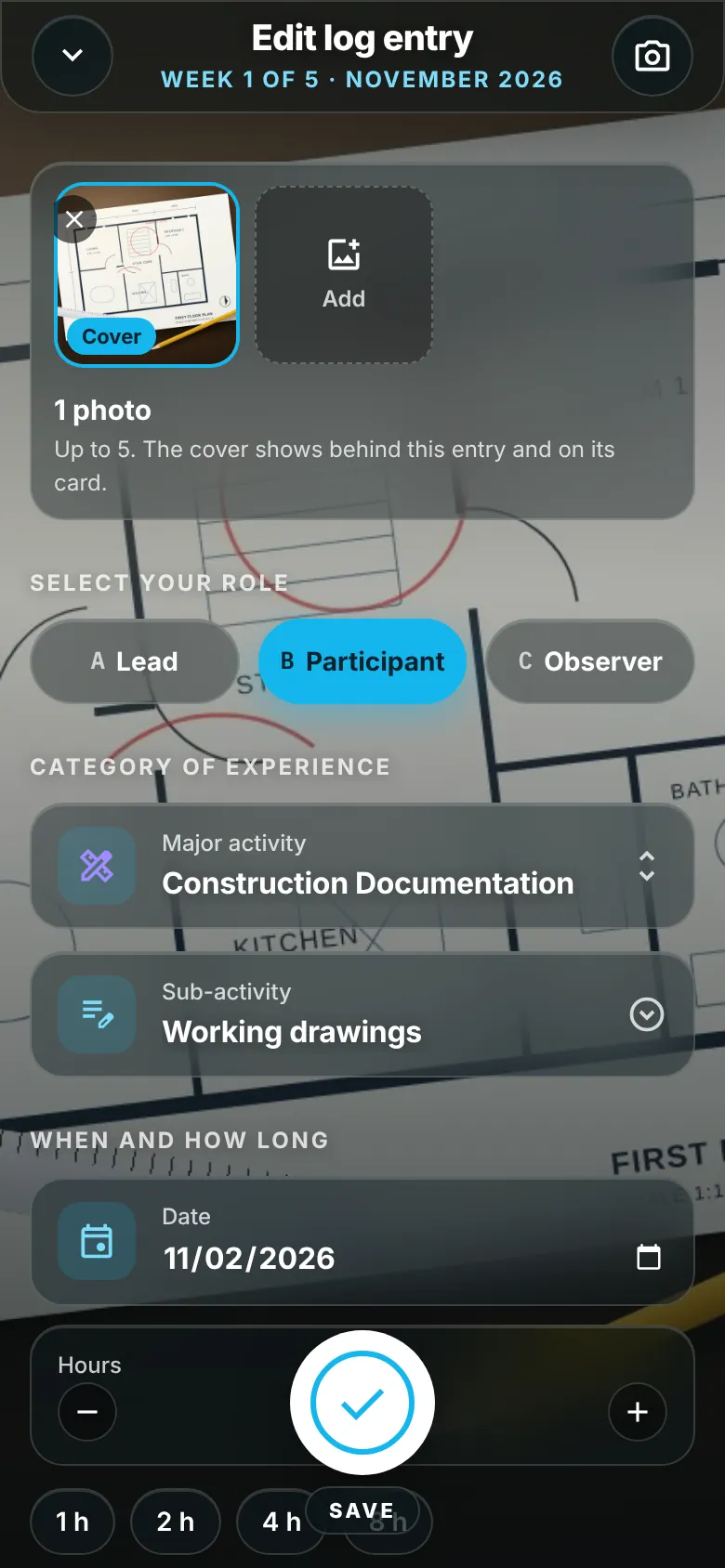
The camera opens first. Photograph the drawing, the model or the site, or skip the photo and just write.
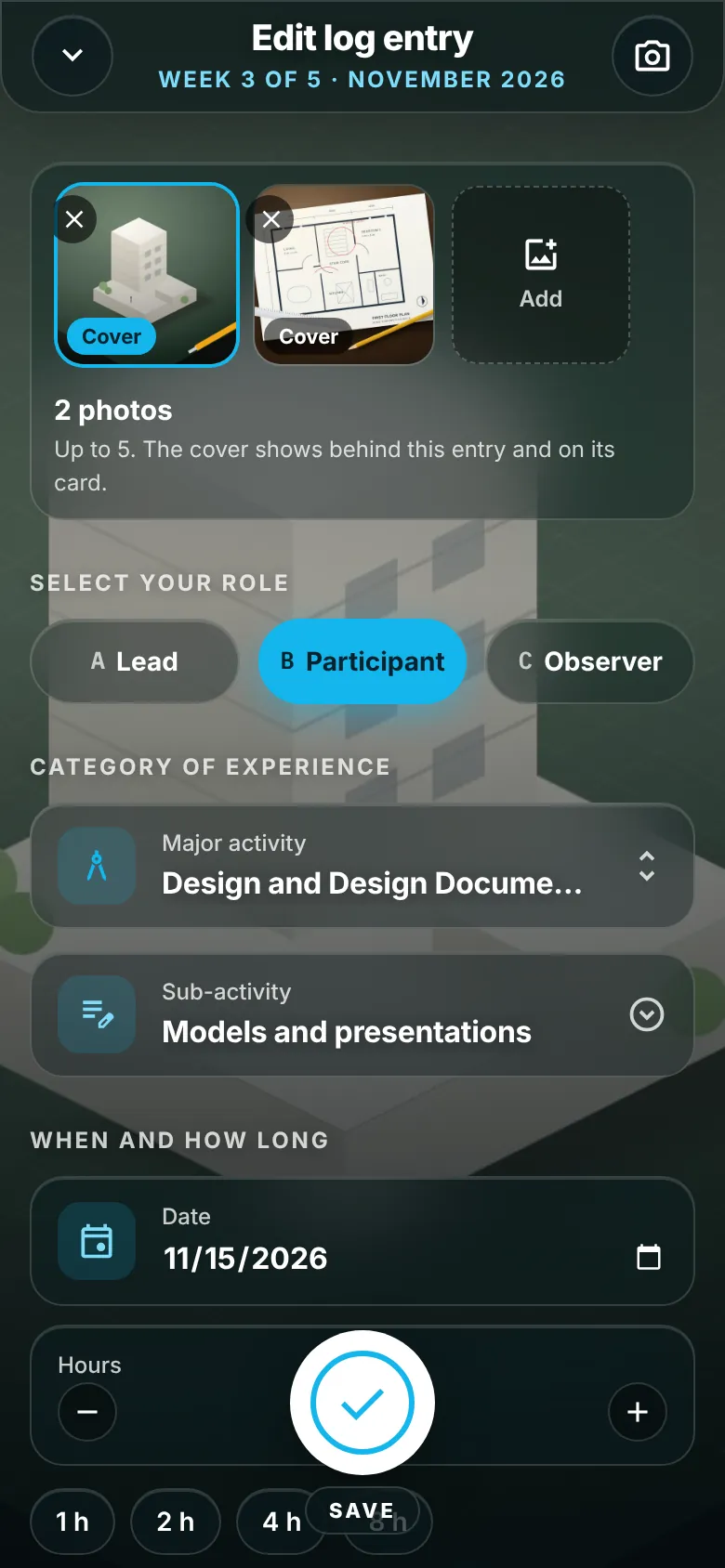
Tap your role, pick the activity, set the hours and tick who you worked with. Link it to a project if you like.
At month end, write a short review and download the full logbook as a PDF to print for your supervisor.
One screen, big buttons and nothing to type unless you want to. Your photo sits behind the form so you always know which task you are logging.
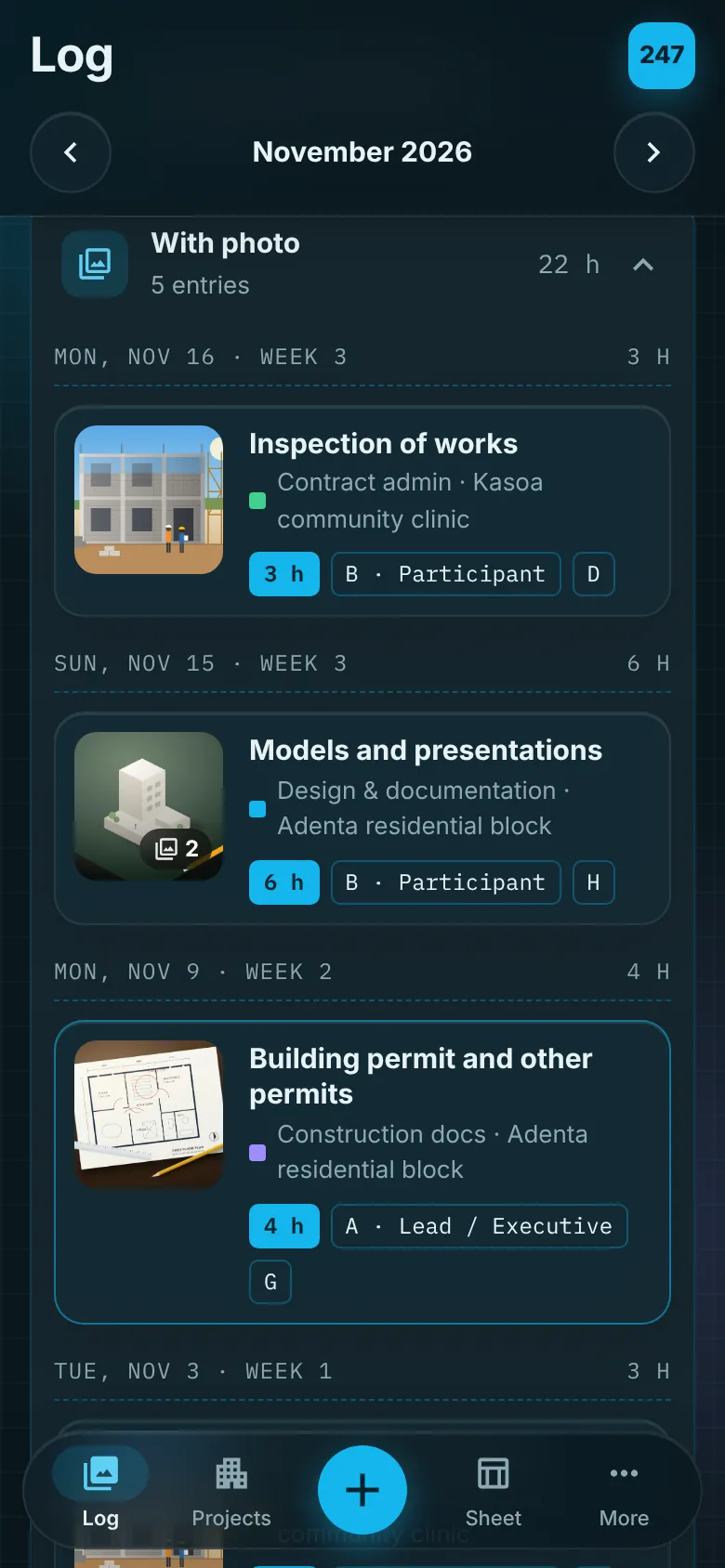
Your entries become a visual diary of the work you did. Hours add up as you go, by week or by category, so you can see where your experience is thin before the month is over.
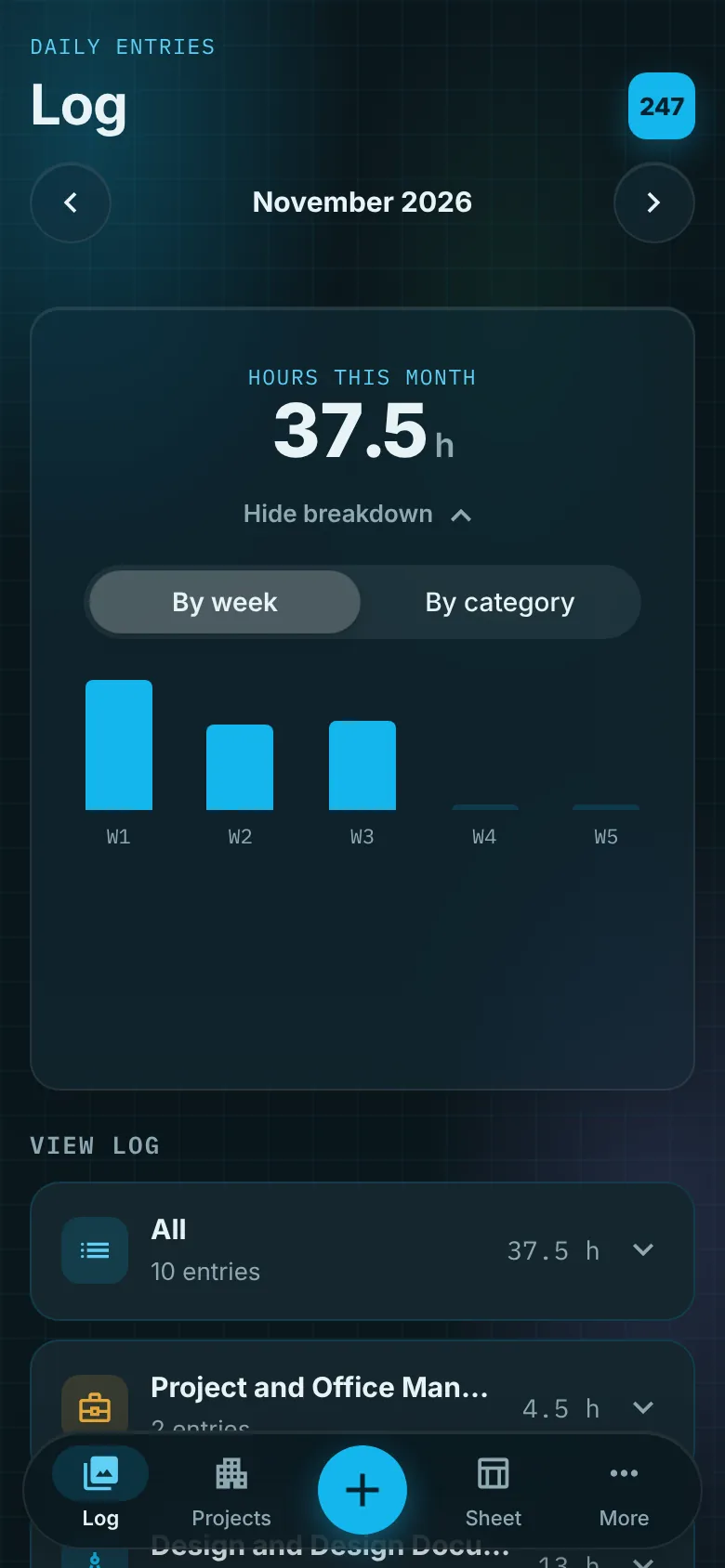
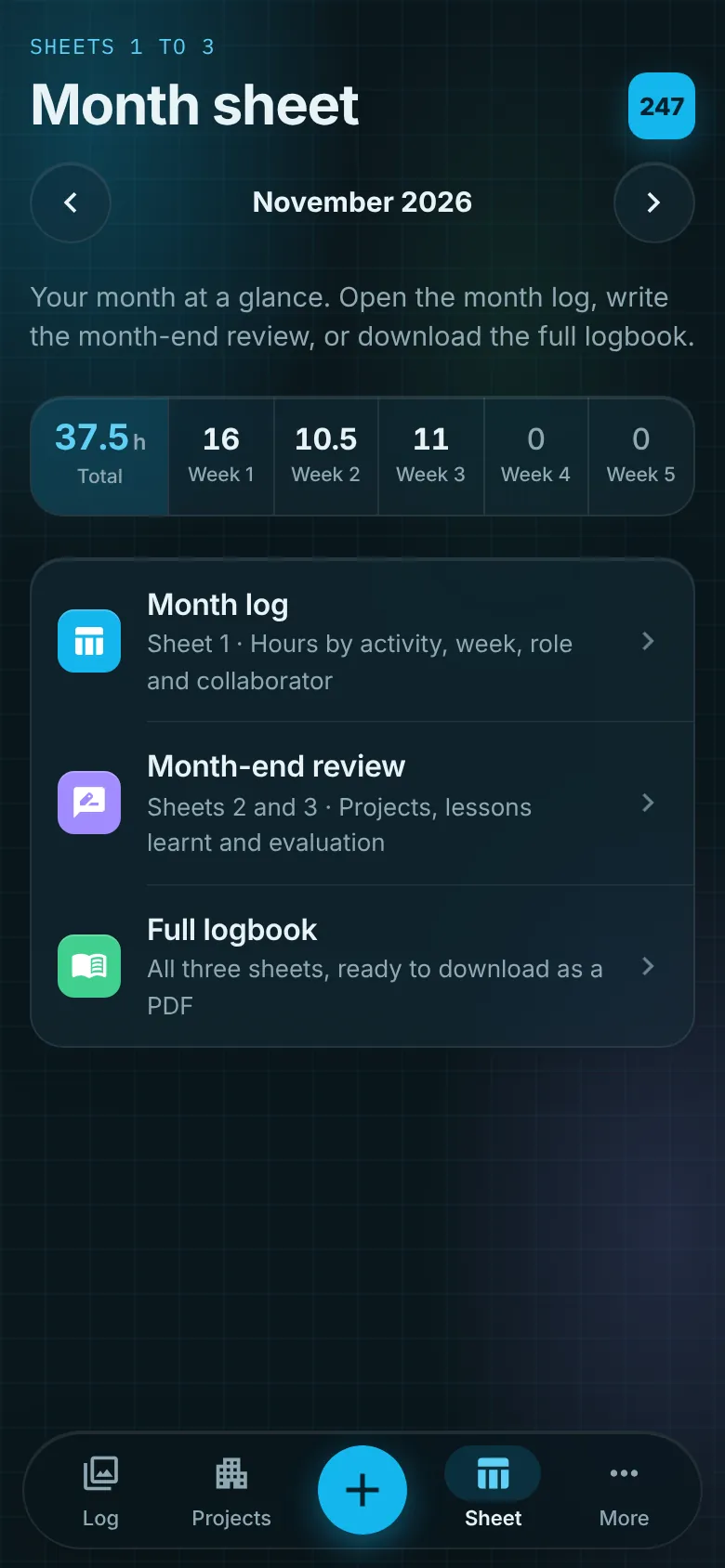
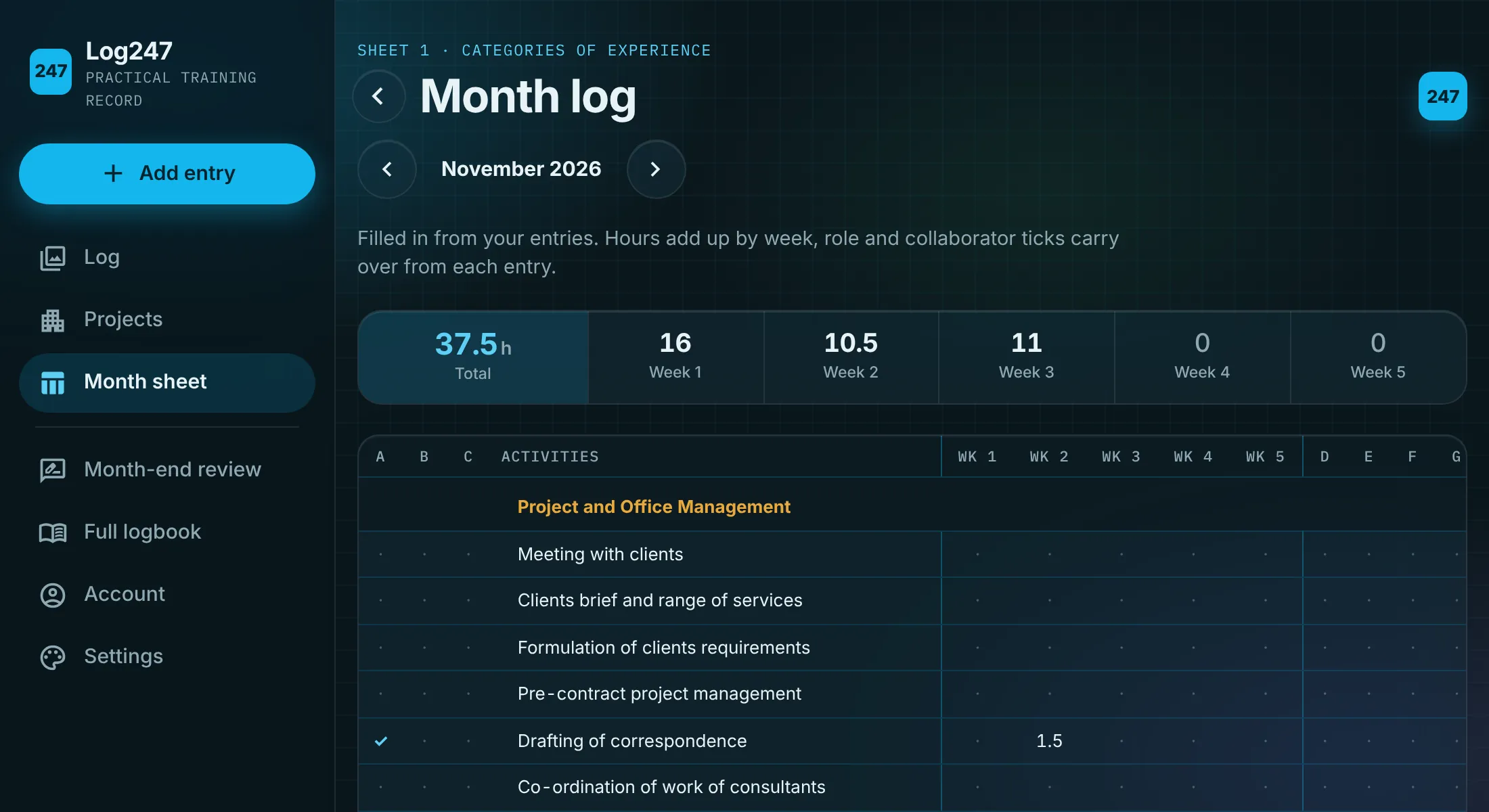
The month log mirrors the categories of experience grid: every activity, five weeks, role ticks and collaborator ticks, with the totals worked out for each category.
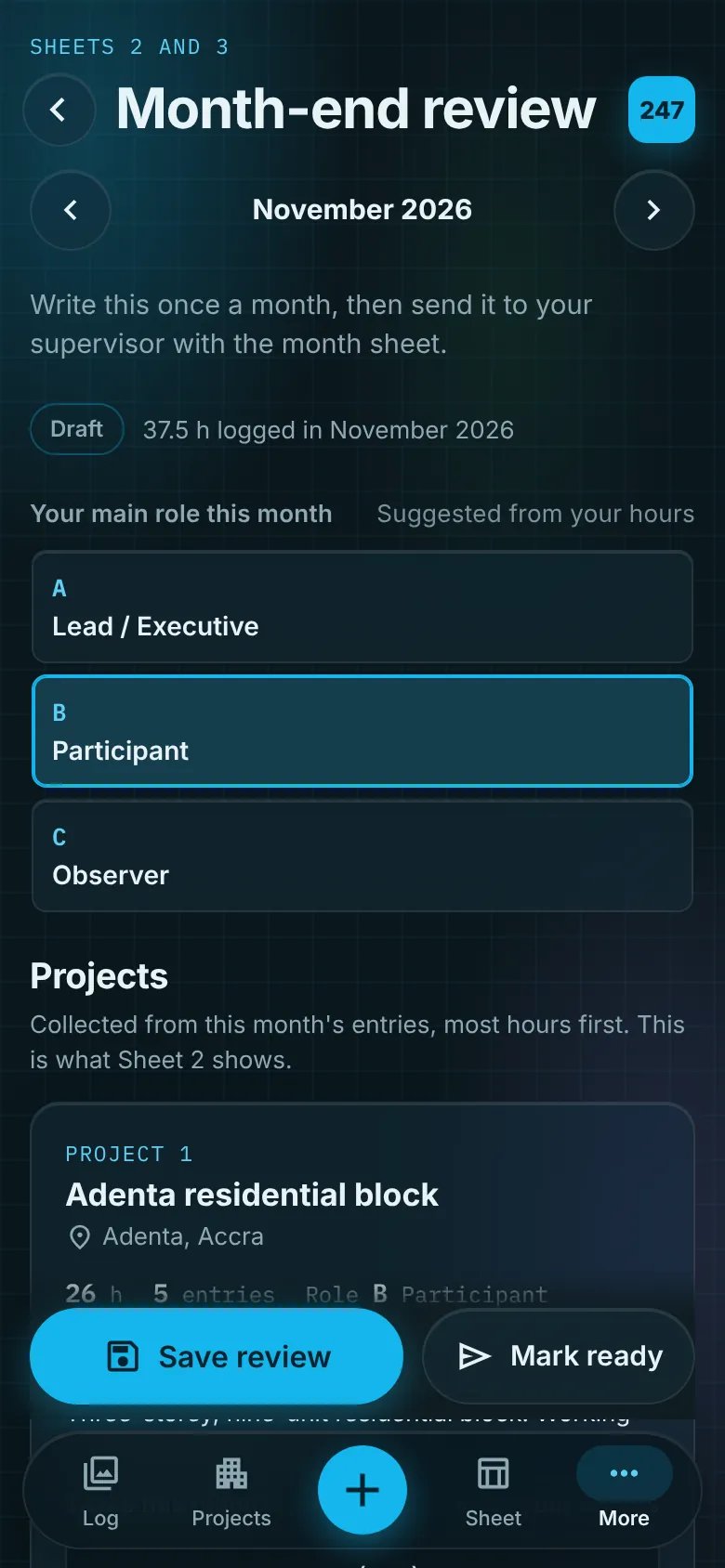
Log247 suggests your main role from your hours and lists the month's projects, most hours first. Add the tasks, lessons learnt and the skills you want to build next.
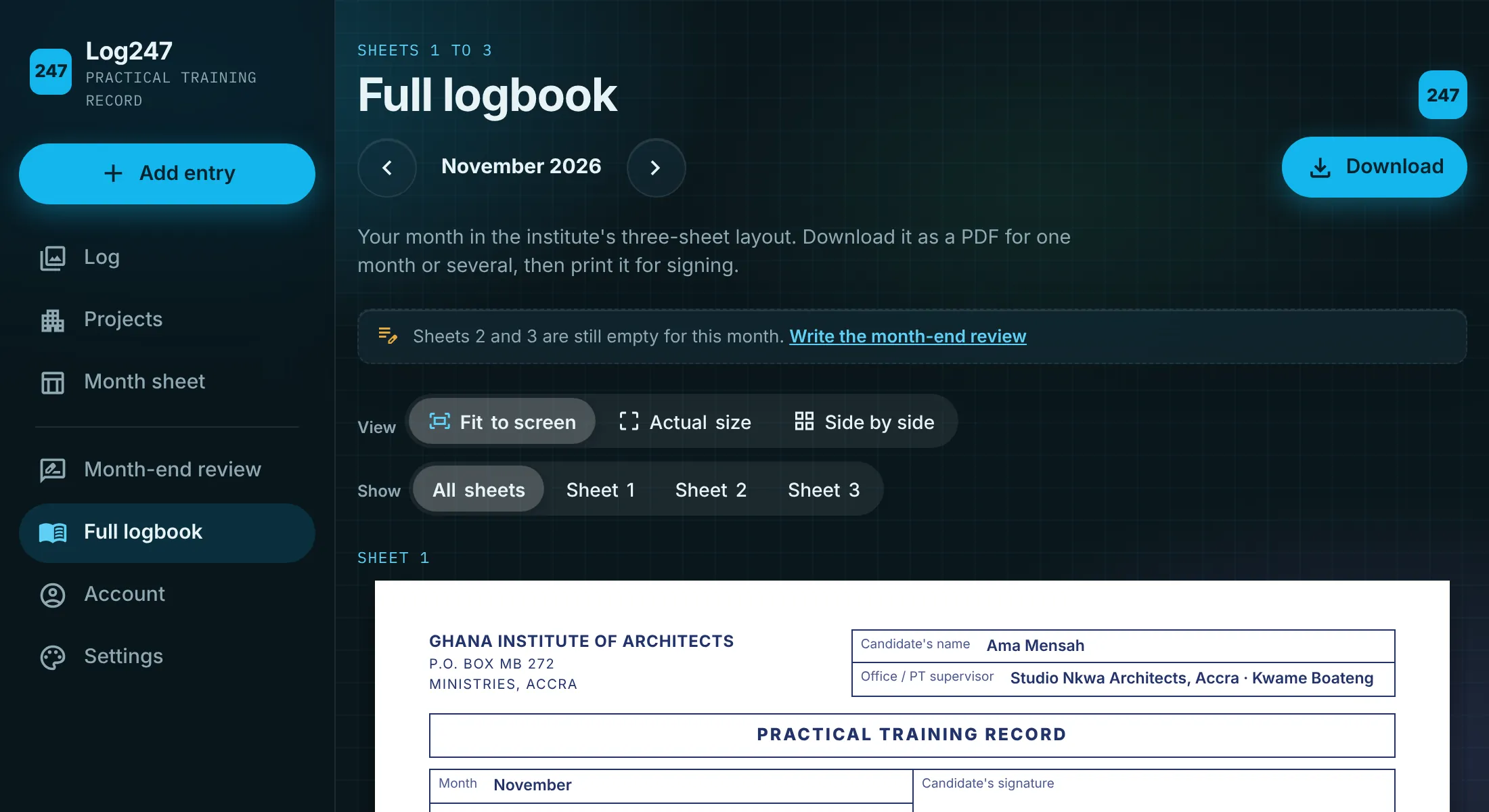
Download all three sheets in the familiar layout of the institute's Practical Training Record, for one month or several at once, ready for you and your supervisor to sign.
Log247 uses the same roles, collaborators and categories of experience as the monthly Practical Training Record, so nothing gets lost in translation.
Sign in with email or Google and your entries follow you between phone and laptop. Your log is private to your account.
No app store needed. Add Log247 to your home screen and it opens full screen like any other app.
Set a lunchtime or end-of-day nudge, or add it to your calendar, so a busy week never goes unlogged.
Send your month to your supervisor to check and sign without paper. Until then, download the logbook and sign the printed copy.
Architecture graduates in Ghana doing their practical training, who keep a monthly Practical Training Record for the Ghana Institute of Architects. Supervisors get a cleaner, complete record to sign.
It follows the same three-sheet layout: the categories of experience grid with hours by week, roles and collaborators on Sheet 1, projects on Sheet 2, and lessons learnt and evaluation on Sheet 3. Log247 is an independent app, so check with your supervisor how your office wants the record submitted.
No. Log247 runs in the browser at app.log-247.com on any phone, tablet or computer. You can add it to your home screen so it opens like an app.
Yes. Sign in with email or Google on each device and the same entries show up on both.
No. Photos are optional. They help you remember the work and make your log easier to review, but you can write an entry without one.
Only you, when you are signed in. Your entries are stored in your own account and are not shared with anyone unless you download and send your logbook.
Your next site visit is your first entry. By the end of the month your record is already written.